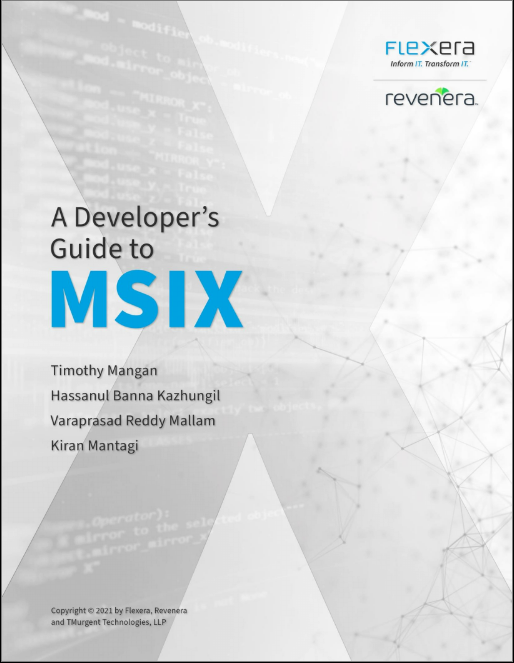
I am really excited to announce the availability of a new (and free) community Ebook on MSIX that is for developers of traditional Win32 and/or .Net Framework applications that are interested in modernizing to MSIX.
The book took 12 months to come to fruition, and my co-authors have been invaluable in helping ensure that we have both great coverage and …
 Achievement unlocked. Re-package 70 apps with PSF with
click on one button into #MSIX packages. MMPT + upcoming
version of TMEditX with command line option to fix the
packages.
Achievement unlocked.  Re-package 70 apps with PSF with
click on one button into #MSIX packages.  MMPT + upcoming
version of TMEditX with command line option to fix the
packages.