App-V Manifest Editor (AVME) Documentation: Package Tab
Package Tab
Top Panel
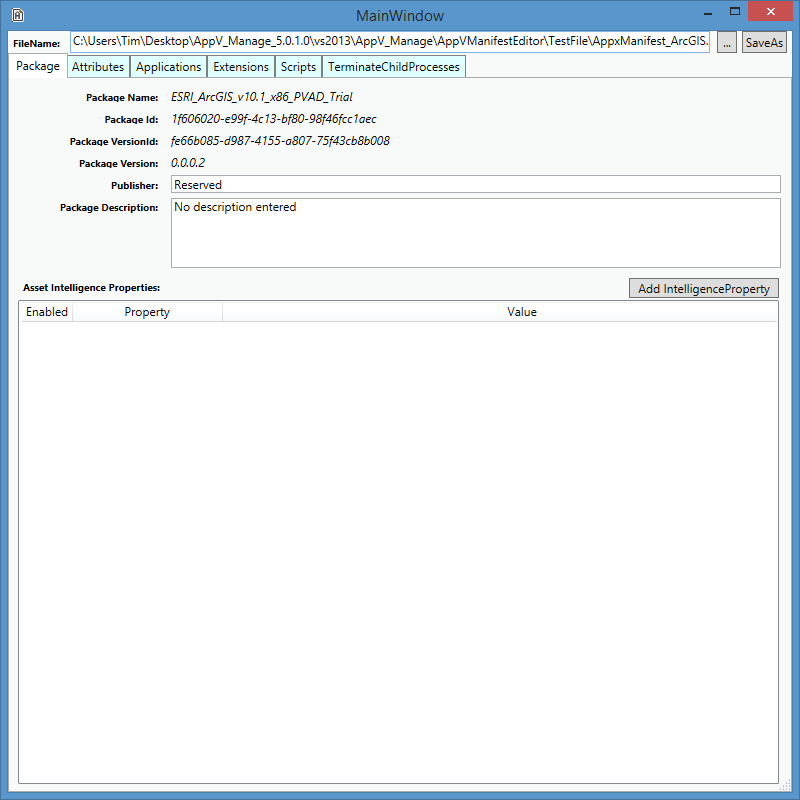
The Package Name, Package Id, Package VersionId, and Package Version fields are not editable. The Publisher and Package Description fields are editable.
Application Intelligence Properties Panel
|
|
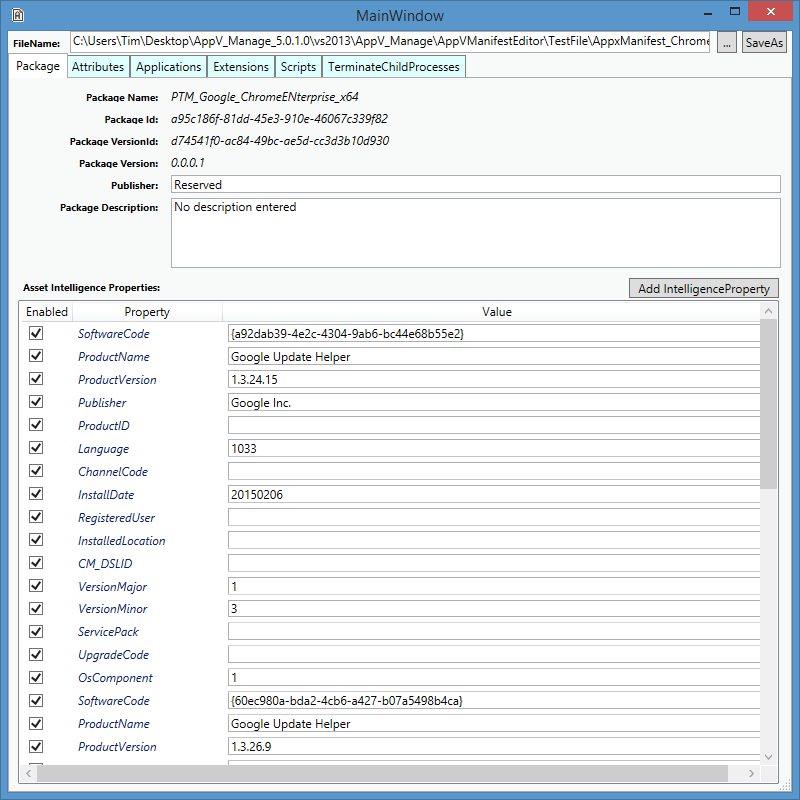
When the monitored application installer includes application intelligence information this information is displayed in this panel. This information is typically used by software that reports system software, such as Configuration Manager or Operations Manager. The list of allowed Property names are restricted by the schema. If any property/value pairs are presented, you can edit the value of a property in-place. If you wish to remove any items, simply uncheck the box next to the item before saving the file off. [Notice in the example that shown, Google chrome has duplicate application intelligence properties for different versions of the updater service, so removing the older set (by disabling them in this dialog) might be appropriate.]
See below for adding values.
|
|
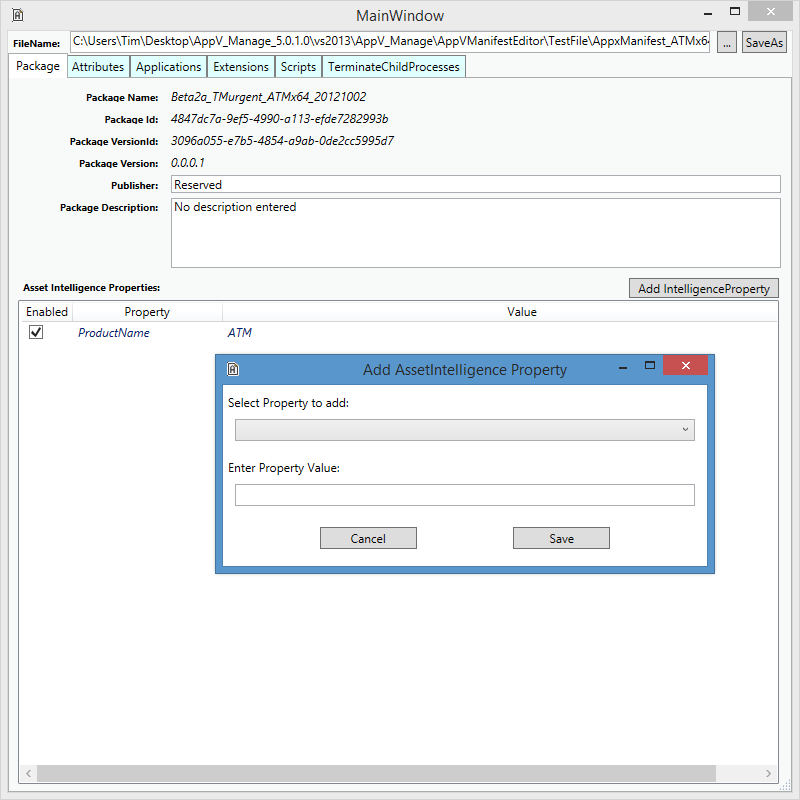
To add properties not present from the installer, click on the Add Intelligence Property button. A new dialog will appear. |
|
|
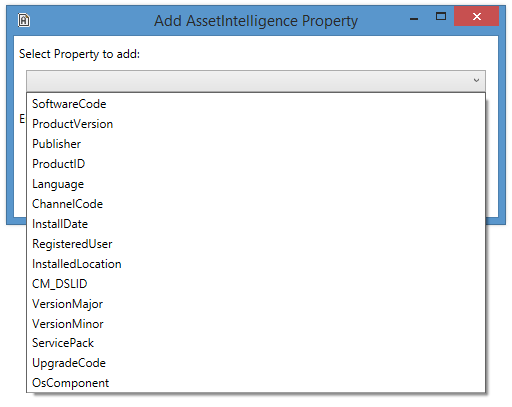
The Property Types listed will be limited to those not already present in the list. Choose the property type in the pull-down menu, then enter the value, and save the entry using the save button on the popup dialog. |
|