
PullApps may be configured to log Event Trace for Windows style events into the events log. This may be configured during installation or via regedit after installation (See additional articles for these).
Additionally, if the Self-Serve component is deployed in the installation, it has a settings dialog that may change the settings if the app is elevated.
To view the events, open the built in Windows Event Viewer application.
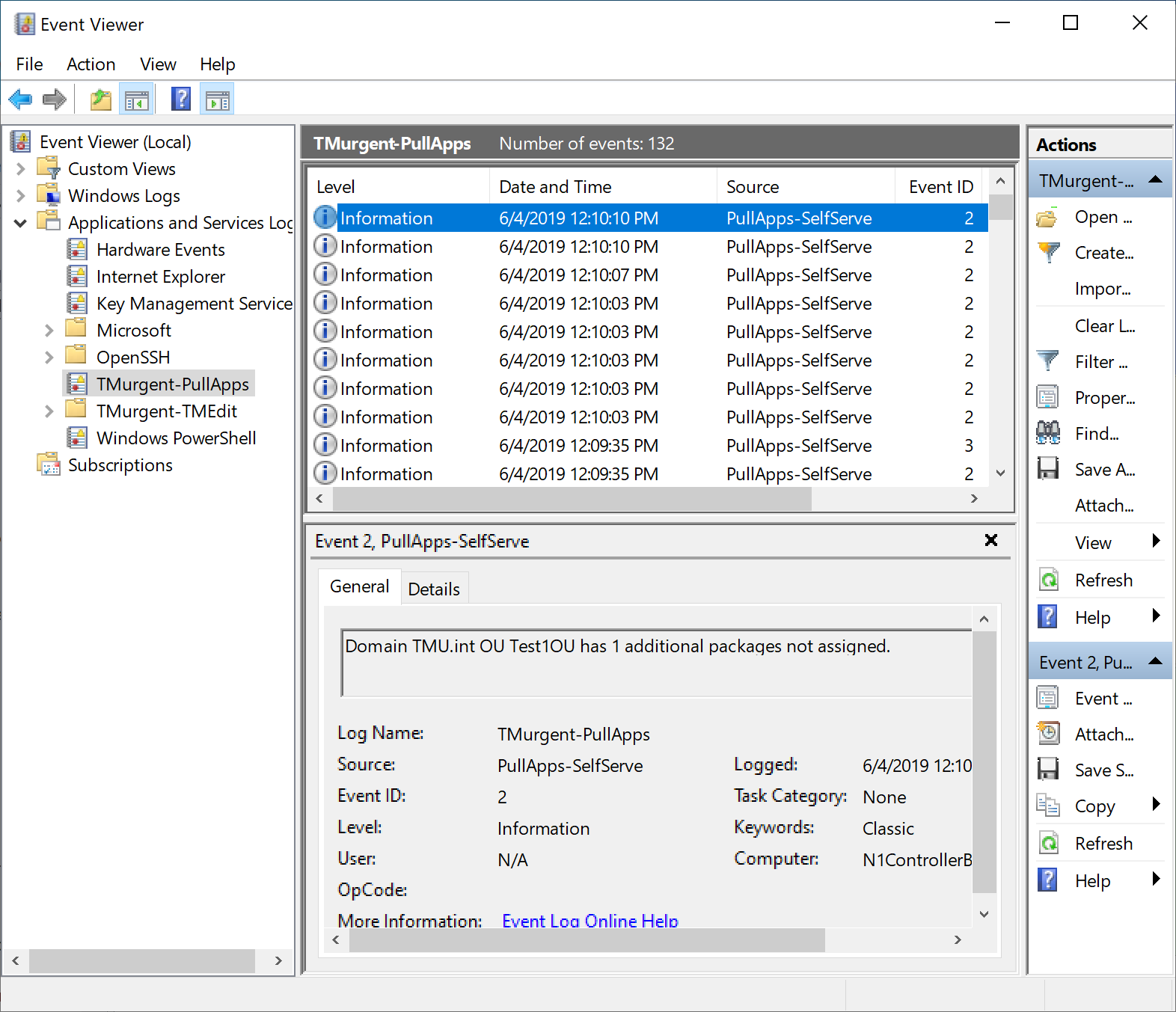
For each entry, the Event Source will be either PullApps-SelfServe or PullApps-Service, indicating if it came from the SelfServe app or the background windows service. The event-id is used as a debug level filter.